Web development
Custom website or WordPress: which should you choose?
Custom website or WordPress? An honest comparison to help you choose the right solution for your project, your budget and your actual needs.
WordPress makes sense when you want to build on a mature CMS with a huge ecosystem and get up and running with content quickly. Custom development becomes worthwhile when a project has an identity, a business logic or features that go beyond standard templates.
Neither option wins automatically. The right choice depends on your needs, how customised the design has to be, the features you expect, how often you'll update content, your budget, how the project is likely to grow, and whether you need an admin interface at all. This article is meant to help you place your own project, not pick a side.
What exactly is WordPress?
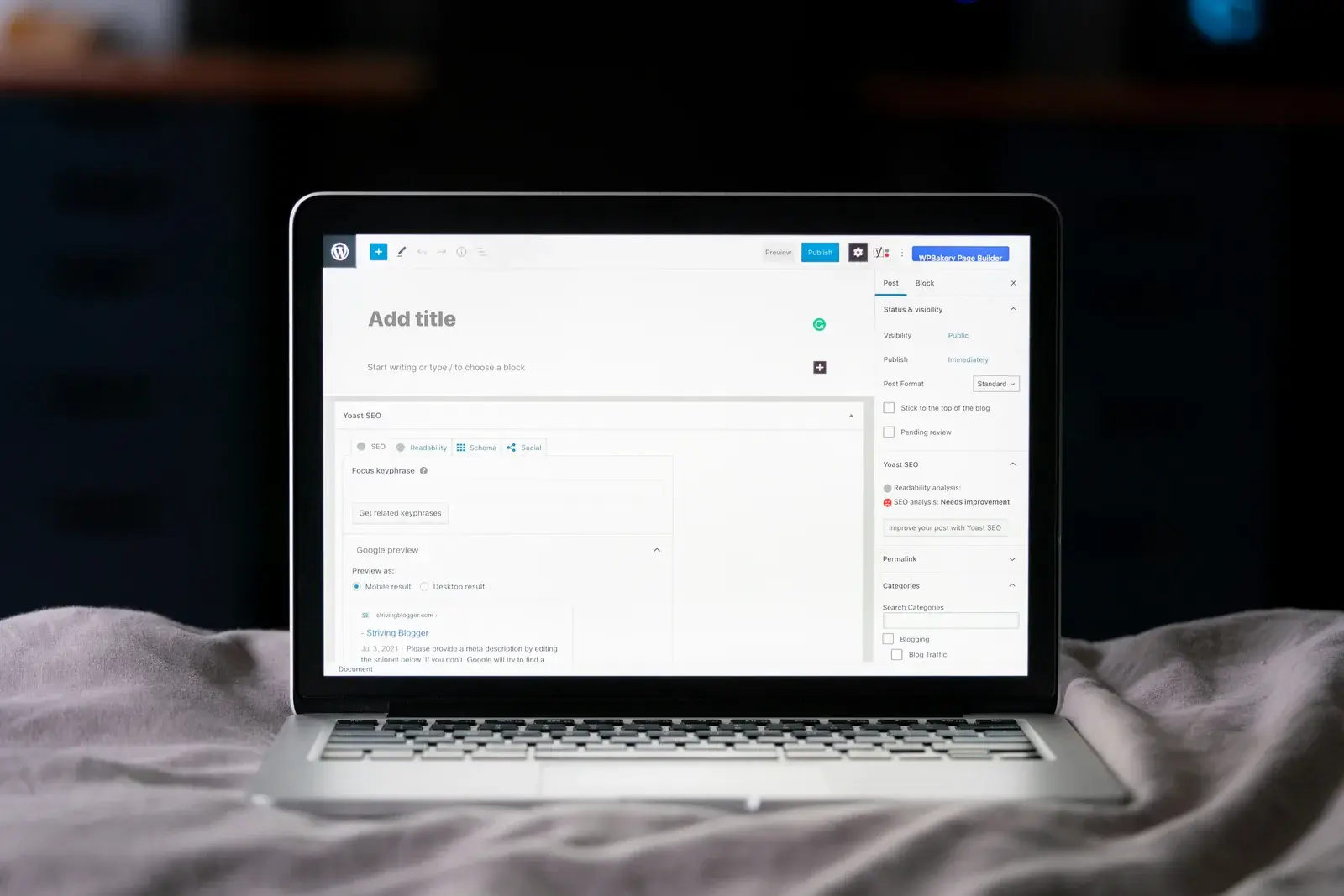
WordPress is an open-source content management system (CMS). In practice, it's an admin interface that lets you create, organise and publish pages or posts without writing code, paired with a theme that defines how the site looks and plugins that add functionality.
Its ecosystem is huge: thousands of themes, tens of thousands of plugins, extensive documentation, and a large pool of developers who can pick up an existing project.
One distinction matters here: WordPress itself is neither a page builder nor an ecommerce platform. Tools like Elementor or WPBakery add a visual page-building interface, and WooCommerce adds online store functionality. These are layers built on top of WordPress, not WordPress itself — and that distinction matters, because most of what gets blamed on "WordPress" actually comes from how these layers stack up.
The advantages of WordPress
Taken for what it actually is, WordPress has real strengths:
- proven maturity, with fifteen years of development and very wide production use;
- an accessible content admin, designed for non-technical users;
- a considerable range of plugins covering common needs (forms, SEO, newsletters, multilingual support);
- extensive documentation and an active community;
- a large pool of developers able to take over an existing project, which limits dependency on a single person;
- a cost that's often very rational for standard needs, particularly for business sites, blogs and small-to-medium stores.
For a large share of the websites published every year, WordPress answers the need very well.
The potential limitations of WordPress
WordPress's limitations rarely come from WordPress itself — they usually come from how a project is built on top of it.
- Every plugin adds code, dependencies and extra maintenance surface; the more they pile up, the harder their interactions are to predict.
- A plugin can stop being maintained, or become incompatible with a new version of WordPress, the theme, or another plugin.
- Generic themes and visual page builders sometimes load more scripts and styles than the rendered result actually needs.
- A poorly optimised WordPress install, heavily loaded with plugins, can become slower to load and more expensive to maintain than a lean one.
- Updates (core, theme, plugins) need to be tracked regularly to keep things healthy.
- When requirements become very specific, stitching plugins together to approximate a feature can end up heavier than simply building it.
- An architecture originally designed for a simple business site can be difficult to evolve towards a very different use without a substantial rebuild.
None of this is inevitable: a lean, up-to-date, well-hosted WordPress install can work very well. But these points explain why some WordPress projects age badly.
What is a custom-built website?
A "custom" website describes an approach, not a specific technology: the interface, architecture and features are designed and coded around the actual needs of the project, rather than assembled from generic building blocks.
Today, this approach often relies on technologies like Next.js or React — this site is one example. But naming a technology guarantees nothing on its own: a poorly designed custom project can be just as slow or poorly structured as a badly built WordPress site. What makes the difference is the design and implementation work, not the name of the stack.

Advantages of custom development
Custom development brings:
- complete design freedom, without the constraints of an existing theme;
- an architecture designed for the project, rather than adapted to a generic structure;
- business-specific features built precisely for the intended use;
- direct control over the dependencies used, and therefore over what's actually loaded on the visitor's side;
- tighter integration with APIs or external services;
- the ability to build a genuine custom web application — with states, permissions, data flows — rather than just a content site.
That last capability is often what makes the difference: beyond a certain level of functional complexity, you're no longer building a website, you're building a software product.
Limitations of custom development
Custom development has its own trade-offs, and it would be dishonest to leave them out.
- The upfront cost is often higher than a standard WordPress install, because everything is designed rather than assembled.
- Development time is generally longer.
- How content will be managed needs to be planned at the design stage, or every change ends up requiring a technical intervention.
- The project depends on solid engineering skills, in-house or from a provider, to stay maintainable over time.
- Rebuilding a feature that a mature tool already handles well — a search engine, a commenting system, fine-grained role management — often makes little sense: it's usually better to build on what already exists when it answers the need correctly.
Custom development isn't automatically the best choice. It's worthwhile when it adds real value, not as a matter of principle.
Which one fits your project?
Simple business website
WordPress can be a very good fit: a handful of pages, content that doesn't change much, a controlled budget. A custom site can also be justified if the visual identity needs to be strong, if performance is a real concern, if specific interactions are expected, or if you want precise control over every detail.
Blog or editorial website
WordPress was built for this and remains very much at home here: frequent publishing, categories, authors, search. There's no reason to push custom development artificially onto this kind of project.
Small ecommerce store
WooCommerce and other established solutions cover standard online selling needs very well. Custom development becomes worthwhile when the commercial logic is specific — complex pricing, a particular purchase flow, precise business integrations — rather than for a store with fairly standard requirements.
Brand with a strong visual identity
Custom development allows full design freedom, but a headless CMS or a hybrid setup (content managed in a CMS, interface built custom) can also meet this need without starting content management from scratch.
Web application
When the core of the product is a business application — with users, data, rules and complex interactions — WordPress generally isn't the natural starting point: it's simply not what it was built for.
CRM or internal business tool
Custom development is often the more logical solution once the software needs to closely match a company's internal processes, rather than the other way round. A few real-world examples illustrate this kind of project.
Customer portal
The choice mainly depends on the expected complexity: a simple portal (documents, account details) can rely on existing plugins; one with fine-grained access rules, specific data flows or advanced interactions leans more towards custom development.
What about Shopify, Webflow, Wix and other platforms?
Between WordPress and a fully custom build sit many intermediate tools — Shopify for ecommerce, Webflow or Squarespace for highly visual sites with little code, Wix for simple needs that need to go live fast. Each comes with its own trade-offs around customisation, cost and portability.
The choice should never start from an ideological preference for one tool, but from the actual needs of the project — even if that means comparing a few options before deciding.
Which option is faster?
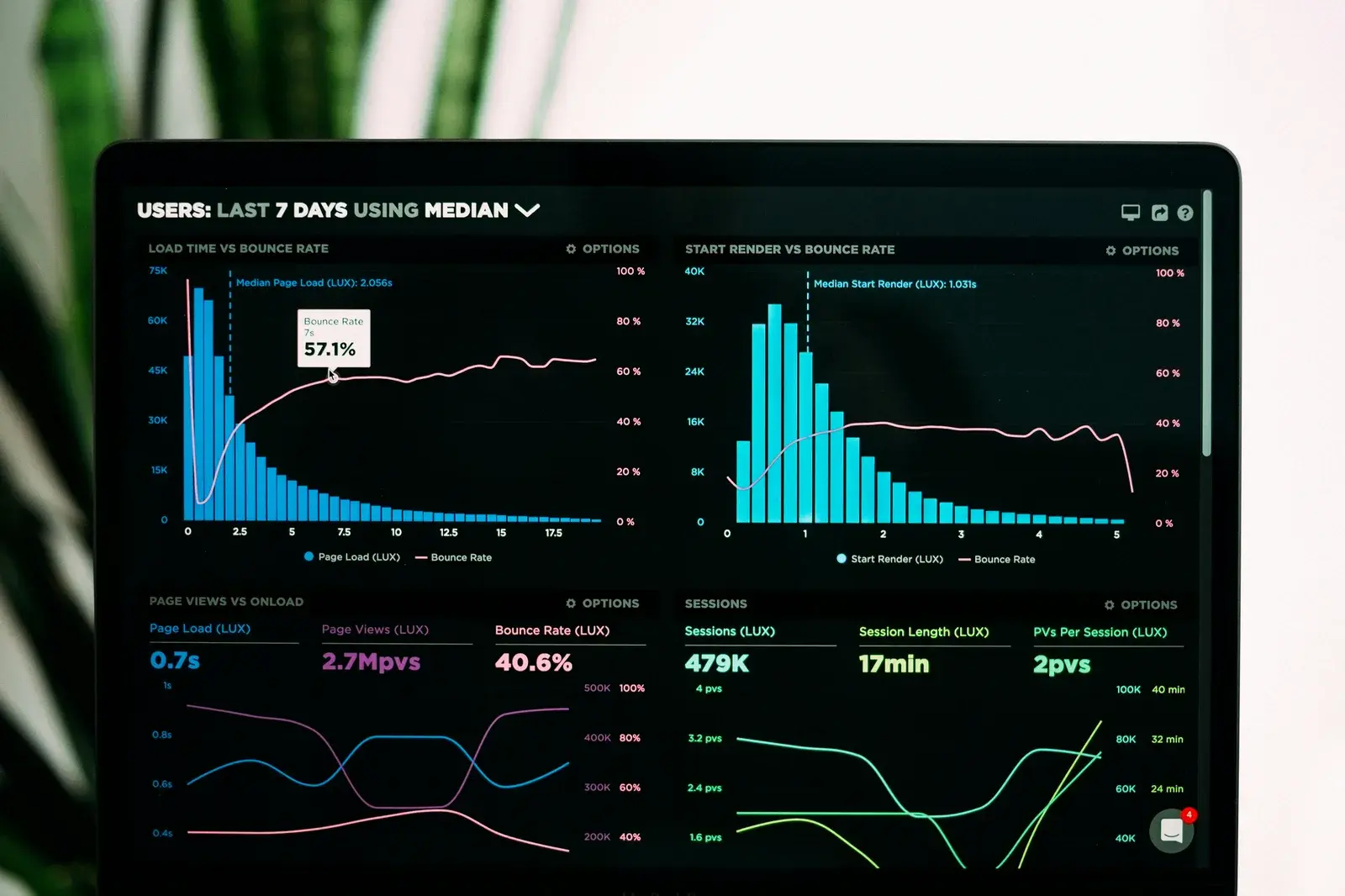
The honest answer is nuanced. A well-designed WordPress site, lightly equipped and properly hosted, can be fast. Conversely, a badly built custom application can perfectly well be slow.
What actually determines performance:
- page weight (scripts, styles, fonts);
- image optimisation;
- how many third-party scripts are loaded;
- hosting quality;
- caching strategy;
- how pages are rendered (pre-generated, server-side, client-side);
- and, fundamentally, the quality of the implementation, regardless of the technology chosen.
Performance is something you work at — it doesn't come automatically from a technical choice.
Which is better for SEO?
Search engines don't reward a site simply because it's built with WordPress, React or Next.js. What actually matters for search visibility:
- the quality and structure of the content;
- how well pages can actually be indexed;
- a coherent site architecture;
- relevant internal linking;
- loading performance;
- accessibility;
- overall user experience.
Both approaches can succeed or fail on these criteria — the technology choice isn't the deciding factor.
Which is more secure?
Same principle: no technology is inherently invulnerable. Security mostly comes down to:
- how consistently updates are applied;
- the number and quality of dependencies used;
- server and hosting configuration;
- how authentication and access are managed;
- solid development practices, regardless of the stack.
An up-to-date, lightly equipped, well-configured WordPress site can be very secure. A poorly coded custom site can have equally real vulnerabilities.
What about cost?
Budget depends mainly on the scope of the project — far more than on the choice between WordPress and custom development. A simple WordPress install can cost less than a basic custom site, but a heavily customised WordPress project can just as easily exceed the cost of a well-scoped custom build. For a detailed look at budgets by project type, the article on how much it costs to build a website in 2026 goes into more depth.
Questions to ask before choosing
A few concrete questions can help settle it:
- Will I be updating a lot of content myself, regularly?
- Do I need an admin interface to manage that content day to day?
- Are my requirements standard, or do they rely on a specific business logic?
- Does the design need to be highly customised, or would an existing framework work?
- Am I expecting the product to evolve significantly over time?
- Do I need deep integration with external services?
- What initial budget — and what ongoing cost — am I prepared to accept?
The more your answers lean towards standard needs and self-managed content, the more a CMS like WordPress makes sense. The more they lean towards a specific business logic, a strong identity or a complex application, the more custom development becomes worthwhile. If your project leans towards custom development, the working method explains how that choice gets scoped in practice, from the first conversation to the quote.
How CAPARD studio approaches the choice
CAPARD studio often favours custom development, because it allows full control over identity, performance, features and business integration from end to end. But a CMS like WordPress is recommended when it's objectively the more rational choice for what's being asked — particularly for sites with frequent content or fairly standard requirements. The services offered cover the different types of projects taken on. The goal is never to sell custom development as a matter of principle, but to propose whichever solution best serves the project.
CAPARD studio is based in Rouen, Normandy, France, and works with clients remotely just as often as locally.
Conclusion
There's no single best technology. The best solution is the one that serves your project without adding unnecessary complexity — whether that's a well-configured WordPress site, an intermediate CMS, or a fully custom build. The starting point is never the tool, but the need it has to serve.
- custom website
- WordPress
- CMS
- custom web development
- web performance